Quark
#
Modules #
quark/actionquark/appquark/bubblesquark/bufferquark/checkboxquark/cssquark/ctrquark/defsquark/dialogquark/eventquark/fontquark/fsquark/hashquark/httpquark/indexquark/jsonbquark/keyboardquark/lmdbquark/mediaquark/navquark/netquark/osquark/pathquark/pkgquark/screenquark/statequark/stepperquark/storagequark/testquark/typesquark/uriquark/utilquark/viewquark/windowquark/wsquark/_bufferquark/_commonquark/_decoratorsquark/_eventquark/_extquark/_md5quark/_sha1quark/_sha256quark/_utilquark/_watching
Quark v1.4.0 Documentation
Contents
Quark #
中文 · Guides · API documentation
Quark is a cross-platform GUI framework for Android, iOS, macOS, and Linux. It combines a C++ core, a native GPU renderer, a lightweight layout engine, and an embedded JavaScript/JSX runtime.
Quark is not a browser runtime. It has its own view tree, style and layout system, event model, rendering pipeline, and platform integration. Its APIs favor explicit structure, predictable behavior, and controllable performance.
Core capabilities #
- Native GUI rendering on Android, iOS, macOS, and Linux.
- C++ for performance-sensitive systems, with JavaScript/JSX for application logic and UI declaration.
- An explicit layout engine with no dependency on a browser DOM or browser CSS.
- A class-driven, CSS-like style subset with continuous class, descendant, and
direct child selectors plus
:normal,:hover, and:activestates. - Images, text, gradients, clipping, filters, animation, media, scrolling, input, and world/entity views in one view and event model.
Platform and renderer status #
| Target | Host/toolchain | Renderer availability | Status |
|---|---|---|---|
| iOS | macOS + Xcode | OpenGL ES or Metal | Metal and GL are established runtime paths. |
| macOS | macOS + Xcode | OpenGL or Metal | Metal and GL are established runtime paths. |
| Android | macOS/Linux + JDK, Android SDK/NDK | OpenGL ES; optional Vulkan | Vulkan presentation and Canvas/CAPA are available; device coverage continues to expand. |
| Linux | Linux native toolchain | OpenGL ES; optional Vulkan/Xlib | Vulkan/Xlib presentation and Canvas/CAPA are available; driver coverage continues to expand. |
The current verified Linux build and runtime environment is Ubuntu 20.04; coverage of other Linux distributions is outside the current release scope.
Source configuration currently enables GL by default. Apple builds select
Metal when GL is disabled; Android/Linux builds can enable Vulkan alongside
GL. When both Vulkan and GL are present, Vulkan is attempted first and --gl
forces the GL backend. Android Vulkan requires Android 10/API 29 and Vulkan 1.1
or newer; unsupported devices fall back to GL.
Rendering system #
Quark owns its GPU rendering stack; it does not use browser Canvas, CSS painting, or Web compositing.
Canvas API
  -> GPUCanvas shared state, clipping, path/image/text dispatch
  -> OpenGL command pack, Metal command encoder, or Vulkan command buffer
  -> platform surface or offscreen image
The renderer uses two complementary antialiasing strategies:
- AASide is the fast geometric edge-band path used for text, hairlines, simple edges, and the GL/GLES compatibility path.
- CAPA (Coverage Area Pipeline Anti-Aliasing) is the compute path for complex ordered fills on Metal/Vulkan-class backends. It bins edges into tiles, computes area coverage, and composites ordered layers without the background seams caused by independently antialiased adjacent primitives.
Metal is the established CAPA runtime path. Vulkan CAPA is also available on supported targets, with device and driver coverage continuing to expand.
At runtime, pass --gl to force the GL renderer, or --aaside to disable
CAPA and force the AASide antialiasing path on Metal/Vulkan.
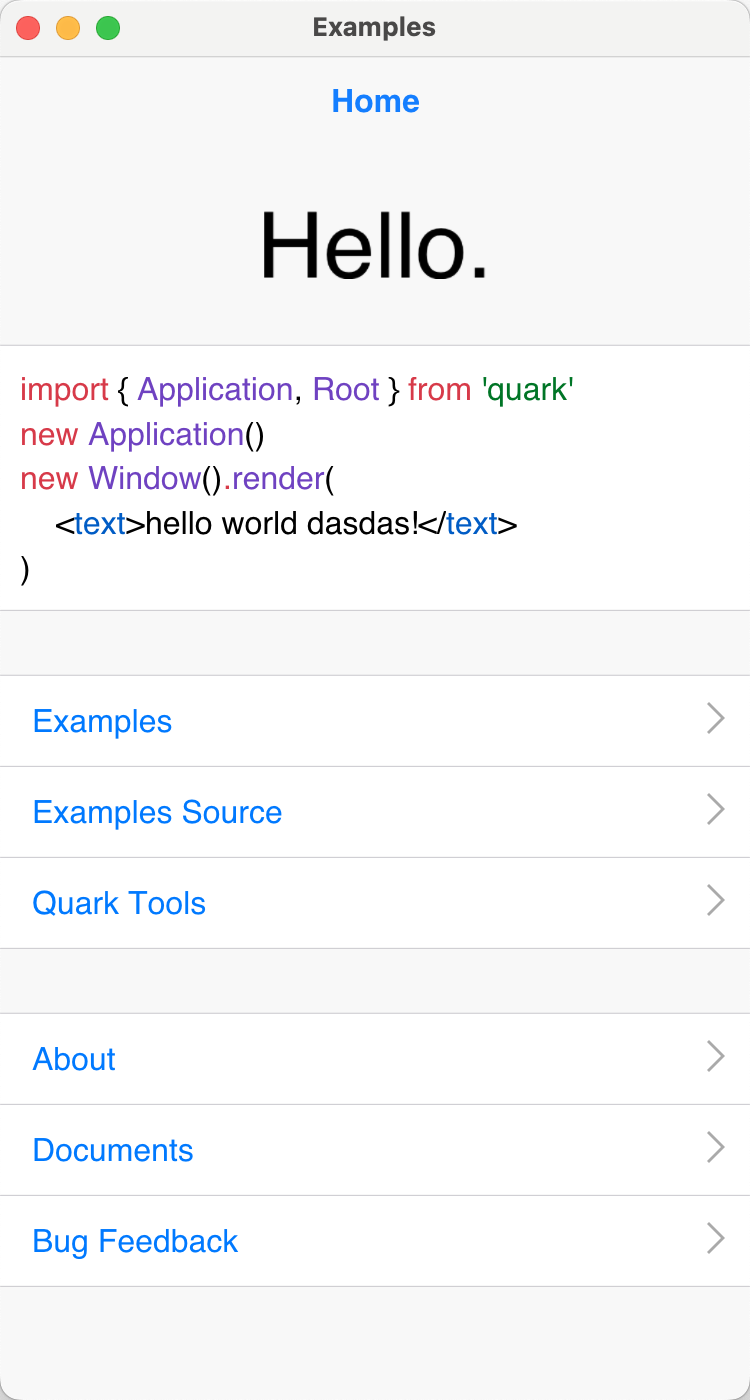 |
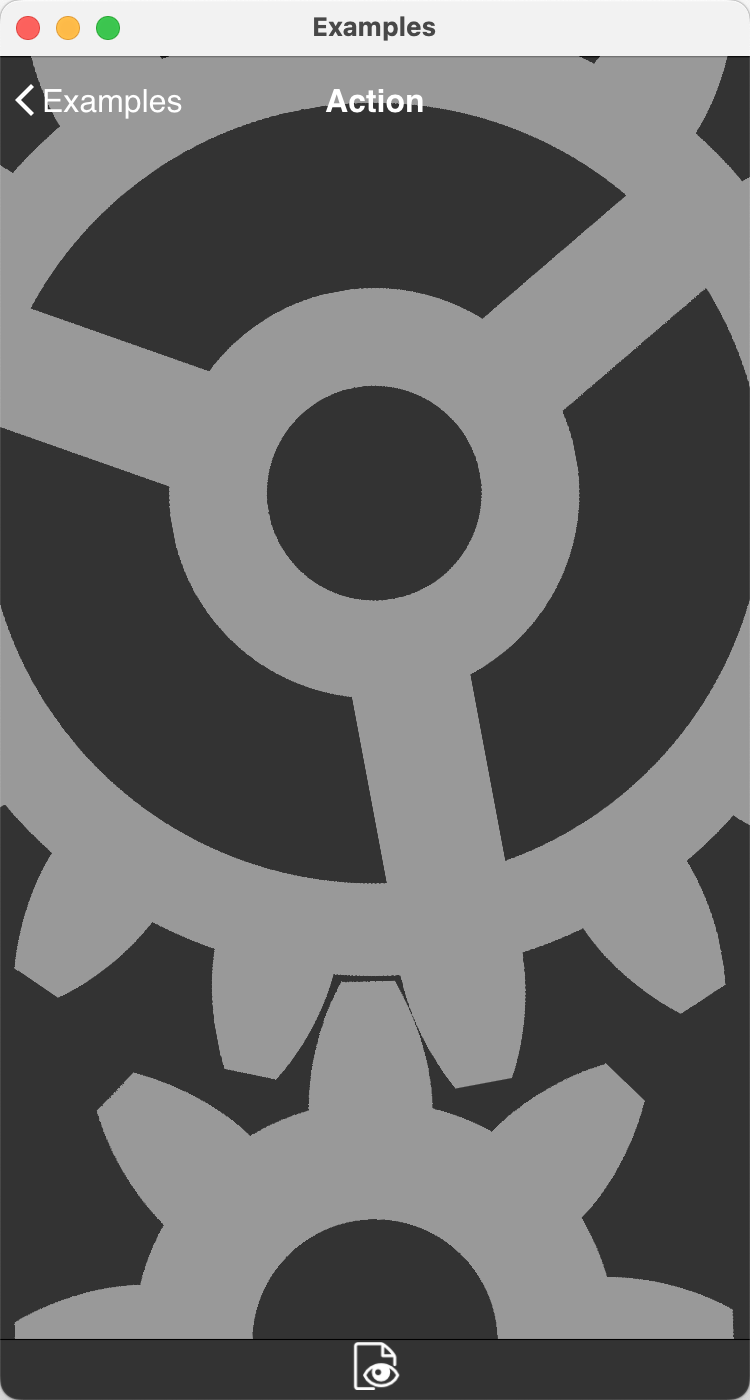 |
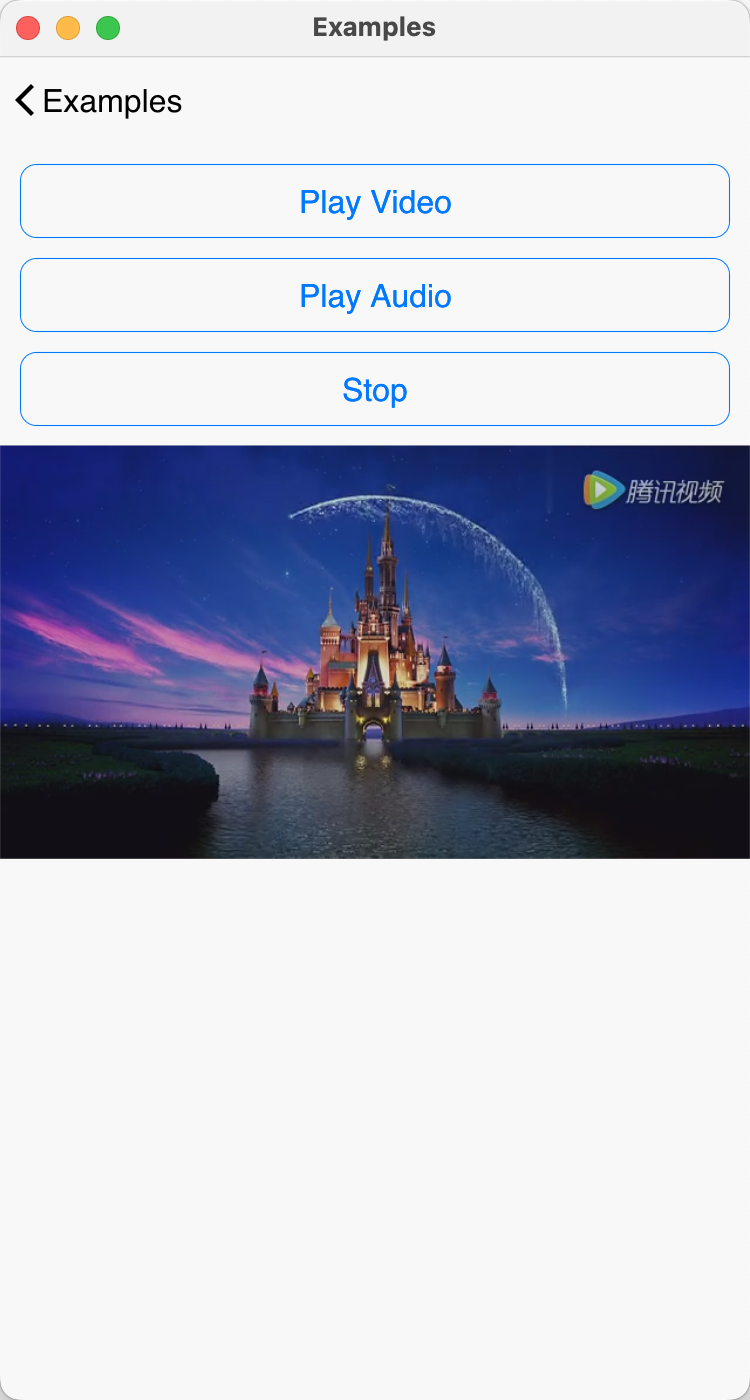 |
|---|---|---|
Quick start with qkmake #
The supported host workflows are macOS and Linux. Apple targets require macOS/Xcode. Windows is not currently supported.
Install Node.js and Python, then install the published toolkit:
sudo npm install -g qkmake
Create a project:
mkdir myproj
cd myproj
qkmake init
Minimal application #
import { Jsx, Application, Window } from 'quark'

new Application()
new Window().render(
    <text value="Hello world" fontSize={48} align="centerMiddle" />
)
More complete applications are available in the examples.
Build application code and resources #
qkmake build installs project dependencies, transforms TypeScript/JavaScript,
and packages application resources:
qkmake build
A newly initialized project can be exported before running this command; the export flow builds missing application output when needed.
Export or open a platform project #
qkmake export ios
qkmake export mac
qkmake export android
qkmake export linux
Generated projects are placed under project/<platform>. Apple projects use
Xcode, Android exports use Android Studio/CMake, and Linux exports use the
native Make-based project. Use qkmake open <platform> to generate when needed
and open the project with the host's available tool.
Run and debug #
Run an application with:
qkmake start .
qkmake start . --gl
qkmake start . --aaside
--gl forces the GL renderer. --aaside keeps the selected Metal/Vulkan
renderer but forces its AASide antialiasing path instead of CAPA. These options
are useful for compatibility checks and renderer comparisons.
Start the development server and file watcher with:
qkmake watch
The watcher serves the application (port 1026 by default), notifies connected
devices when TS/TSX files change, and lets debug builds reload without a full
application restart.
Building Quark from source #
Source builds require Node.js and Python plus the selected platform toolchain:
- Xcode for iOS and macOS;
- JDK, Android SDK, and Android NDK for Android;
- the native compiler and development packages for Linux.
Before building Android, set the following three environment variables.
configure reads them to locate the Android SDK, NDK, and Java toolchain:
export ANDROID_SDK=$HOME/Install/android-sdk
export ANDROID_NDK=$ANDROID_SDK/ndk/29.0.13113456
export JAVA_HOME=/usr/lib/jvm/java-17-openjdk-amd64
Adjust the paths for the local installation. On macOS, JAVA_HOME normally
points to the JDK's Contents/Home directory.
From an existing checkout, synchronize the current branch and all submodules:
make sync
make sync runs both git pull and git submodule update --init --recursive,
so use it only when updating the current checkout is intended.
The root Makefile provides make ios, make mac, make android, and
make linux. make all builds the full product set and may use the configured
REMOTE_COMPILE_HOST for targets that cannot be built locally. make install
builds that set and installs the local qkmake package; make install-only
installs an existing out/qkmake product.
Documentation #
- User guides: task-oriented tutorials in English and
Chinese. Chinese guide filenames use the
-cn.mdsuffix. - Generated API reference: modules, classes,
interfaces, properties, methods, and events generated from
libs/quark. - View layout and styles: view inheritance, JSX layout, class selectors, pseudo states, and style transitions.
- Actions and keyframes: animation composition, keyframes, playback, and events.
make doc runs tools/gen_html_doc.js. It generates the API Markdown from
TypeScript sources, validates the bilingual guide pairs, includes both root
READMEs, docs/guides/, guide assets, and the license, then renders the
complete publishable HTML tree under out/doc/html.
Project status and contributing #
The GL and Metal paths are established, and Vulkan is available on Android and Linux. Current Vulkan work focuses on expanding device and driver coverage and continuing refinement. Focused issues and pull requests are welcome in the GitHub repository. Keep backend changes behavior-aligned and include the smallest relevant validation.
Documentation-only changes should at minimum pass git diff --check; changes
that affect published documentation should also run make doc.
License #
Quark is distributed under the BSD license. See LICENSE.